
The shared responsibility model: what your provider won't back up
Your cloud provider keeps the servers running, but protecting your data is your job. Here's what the shared responsibility model means for small business owners.
Here's a scenario that catches almost every small business owner off guard:
You're using a cloud database or a SaaS platform. Something goes wrong — data gets corrupted, or deleted, or a billing issue suspends your account. You contact support, expecting them to restore everything. And they tell you: "That's not something we cover."
You thought they were backing up your data. They were — but only for their own purposes, not for yours.
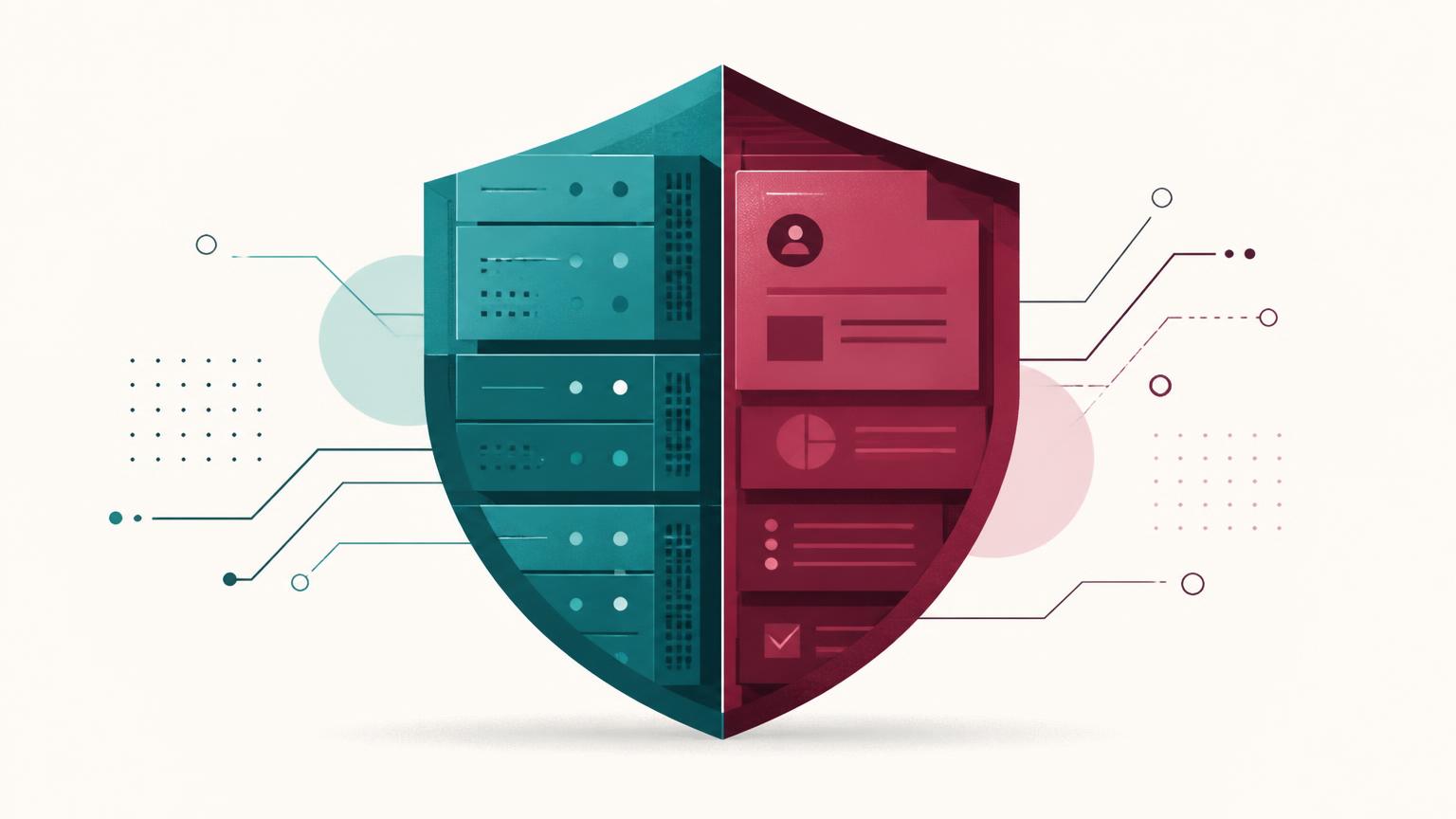
This is called the shared responsibility model, and almost every cloud provider uses one. Understanding it is the difference between thinking you're protected and actually being protected.
What is the shared responsibility model?
The shared responsibility model is how cloud providers divide up who's responsible for what. It's not a secret — AWS, Microsoft, Google, and every major cloud provider publish theirs publicly. But most business owners never read them.
Here's the simple version:
| Your provider | You | |
|---|---|---|
| Physical servers and data centers | ||
| Server maintenance and patching | ||
| Network infrastructure | ||
| Keeping the service online | ||
| Your actual data (tables, records, files) | ||
| Backing up your data | ||
| Who can access your data | ||
| Recovering lost or deleted data |
AWS puts it bluntly: "Security and compliance is a shared responsibility between AWS and the customer." They handle the infrastructure. You handle everything that happens inside that infrastructure — including your data.
Microsoft says the same thing about their cloud services: "You're responsible for protecting the security of your data and identities."
The part nobody explains to you
When you signed up for your database platform, nobody sat you down and said: "If your data gets deleted, we can't help you." It's buried in the terms of service, but it's there.
Avepoint's 2026 analysis of the Microsoft 365 shared responsibility model found that customers are responsible for data backup, access management, compliance configuration, and recovery — including all Exchange Online, SharePoint, and OneDrive data. Microsoft keeps the service running. You keep your data safe.
Veeam's analysis is even more direct: "Your cloud service providers are not responsible for the safe keeping of your data. You are."
The three levels of responsibility
Different services divide responsibility differently, but most follow a similar pattern:
- 1
Infrastructure security
The provider keeps their data centers, servers, and networks running and secure.
- 2
Platform security
The provider maintains the software platform, patches vulnerabilities, and ensures the service stays online.
- 3
Data security
You are responsible for your data: backups, access control, recovery, and compliance.
What "we have backups" actually means
When a database platform says "we have daily backups," here's what they mean: they back up their systems so that if their servers fail, they can recover their service. They are not backing up your data so that you can restore it when you need to.
This is the critical distinction:
- Their backups protect their infrastructure → keeps the service online
- Your backups protect your data → keeps your business running
If you accidentally delete a table, or a developer runs the wrong migration, or a disgruntled employee wipes the database — the provider's backups won't help you. Those backups are for disaster recovery of the platform, not for undoing your data loss. Axcient's write-up walks through the same distinction for cloud backup and DR, and backups vs. replication covers why a live copy isn't a safety net either.
What this means for you
If you're an accidental database owner — a business owner who ended up responsible for data without being trained for it — the shared responsibility model means one thing: you need your own backup.
Not a backup that lives in the same provider's infrastructure. Not a backup that the provider controls. A backup that you own, that you control, and that works even if the provider goes away entirely.
- Trust the provider only
- If they fail or delete your data, you have nothing
- Manual exports occasionally
- Works until you forget or the export is incomplete
- Provider + your own off-site backup
- Two independent copies means one failure doesn't sink you
How Supakeep fills the gap
Supakeep exists specifically to handle the "your responsibility" side of the shared responsibility model. Here's how it works:
- 1You connect your database and your Google Drive account (takes about 20 seconds)
- 2Supakeep copies your data — database tables, uploaded files, auth configuration, and server-side functions — on a schedule you choose
- 3The copy lands in your Google Drive. Not our servers. Not your database provider's servers. Yours.
- 4Supakeep never stores your data. It flows through and lands where you control it.
- 5You get a dashboard showing that backups are running — so you can confirm your responsibilities are covered without needing to understand the technical details
This means that even if your database provider experiences an outage, a billing issue, or a shutdown, your data is safely stored in a completely separate location that you own and control.
Related reading: Why every Supabase project needs its own backups, Supabase backup best practices for small teams, and the off-site restorable backup your SOC 2 auditor asks for.
Frequently asked questions
It's a framework that divides security and data protection duties between a cloud provider and the customer. The provider is responsible for keeping the infrastructure running. The customer is responsible for protecting their own data — including backups, access control, and recovery.
They back up their systems for their own recovery purposes. This is not the same as backing up your data so you can restore it. If you accidentally delete data or a bug corrupts your database, the provider's backups typically won't help you.
Yes. Every major cloud provider — AWS, Microsoft, Google — explicitly states that customers are responsible for their own data backup and recovery. This is part of their shared responsibility model.
According to Crashplan, 60% of small businesses that suffer significant data loss shut down within six months. Without your own backup, recovery is extremely difficult, expensive, and sometimes impossible — especially if the data loss was caused by accidental deletion or corruption.
Your provider's backups protect their infrastructure. Supakeep protects your data by copying it to your own Google Drive — a completely separate location that you control. Supakeep's zero-retention architecture means your data passes through without being stored on our servers.
Yes. The provider's backups are for their disaster recovery, not yours. They protect against server failures, not against your data being deleted, corrupted, or lost due to billing issues or platform shutdowns. An independent off-site backup covers the scenarios the provider's backups don't.
Supakeep copies your database tables, uploaded files (storage objects), authentication data, and server-side functions. This is more comprehensive than a standard database export, which typically only covers table data.
Sources & further reading
- 1Shared Responsibility ModelAWSaws.amazon.com
- 2Shared Responsibility in the CloudMicrosoft Azurelearn.microsoft.com
- 3Shared Responsibility Model for Microsoft 365 (2026)Avepointavepoint.com
- 4The Microsoft 365 Shared Responsibility ModelVeeamveeam.com
- 5Shared Responsibility Model in Cloud Backup and DRAxcientaxcient.com
- 6Unlocking SaaS Data Security With Shared Responsibility CloudHYCUhycu.com
- 7Shared Responsibility: Why Your Microsoft 365 Is Not Backed UpKeepitkeepit.com
- 8Shared Responsibility Model Explained SimplyCloudsfercloudsfer.com