
You have a database. Now what?
You have a database but nobody taught you how to protect it. This plain-English guide covers what you're responsible for and how to keep your business data safe.
You hired a developer to build your app. Or you signed up for a platform that promised to handle "everything." A few months later, you're running a real business with real customers — and somewhere in the background, there's a database holding all their information.
Nobody told you that part. Nobody handed you a manual. You just... have a database now.
If that sounds familiar, you're not alone. There's even a name for it: accidental database administrator. It happens when someone who isn't a database expert suddenly becomes responsible for one. And according to SolarWinds, it's one of the most common roles in small business IT — people who "frequently lack familiarity with database-specific concepts such as transaction logs, backups, and performance tuning."
This guide walks you through what you actually need to know — in plain English, no computer science degree required.
What a database actually is
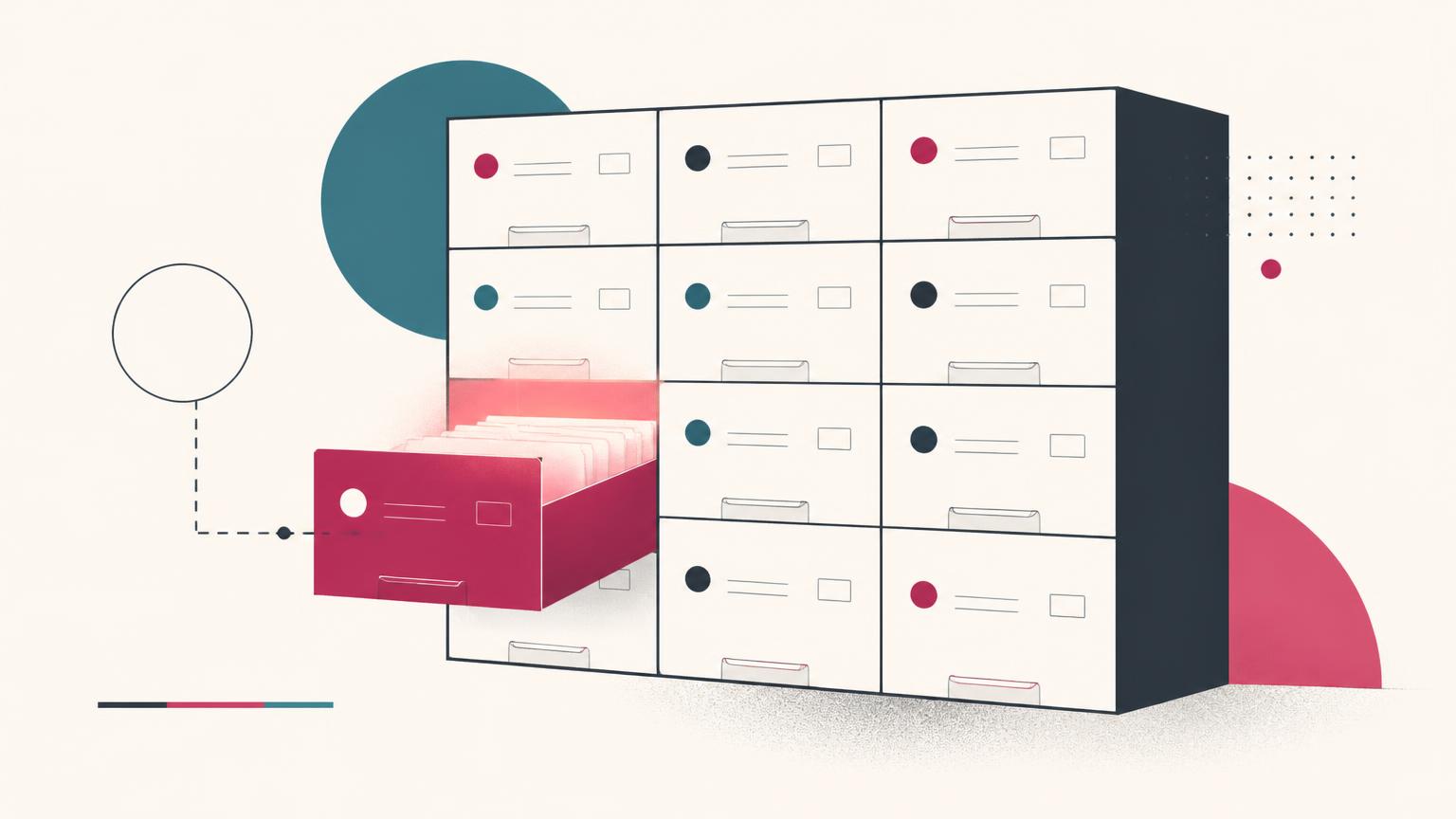
Think of a database as a digital filing cabinet. But instead of manila folders and hanging files, it stores information in tables — organized grids where every row is a record (like a single customer) and every column is a piece of information about them (like their name, email, or order history).
If you use any modern app to run your business — a booking system, an online store, a CRM, a membership portal — you have a database. It's where your customer data lives. It's where your orders are recorded. It's where your product catalog is stored. IBM's primer on databases is a good plain-language reference if you want to go deeper.
- 1
You started a business
You needed a way to manage customers, orders, or content.
- 2
Someone set up a database
A developer, a no-code tool, or a SaaS platform created one for you.
- 3
It grew
More customers, more data, more dependence on the system working.
- 4
Nobody mentioned responsibility
No one explained backups, security, or what happens if it goes down.
- 5
Now you're responsible
If the data disappears, it's your problem — not the developer's.
The four things you're actually responsible for
You don't need to know how to write SQL queries or configure server settings. But you do need to understand four areas where the buck stops with you.
1. Knowing where your data lives
This sounds obvious, but it's the question that stumps most business owners. Is your data in a cloud database like Supabase, AWS, or Google Cloud? Is it stored by a SaaS tool you subscribed to? Is it on a server someone set up for you?
If you can't answer "where exactly is my customer data right now?" — that's your first task. Ask whoever built your system. Check your subscriptions. Make a note of every tool that stores business data.
2. Making sure your data is backed up
Here's the hard truth: most platforms protect their infrastructure, not your data. They'll keep their servers running, but if your data is deleted — by accident, by a bug, by a malicious attacker — it's gone. And according to the FTC, businesses that lose customer data can face legal liability, not just operational headaches.
The 3-2-1 rule is the simplest framework to follow:
3
copies of your data
2
different storage media
1
copy kept off-site
If you're not sure whether what you have counts as a backup, backups vs. replication explains the difference in plain terms.
3. Controlling who can access it
Every person who has access to your database — a developer, an agency, an employee, a contractor — is a potential risk. Not because people are malicious, but because credentials get leaked, accounts get compromised, and mistakes happen.
The FTC recommends controlling access to data sensibly: limit access to what each person actually needs, use strong authentication, and regularly review who still has access. On Supabase specifically, this guide to RLS, keys and access control covers the practical steps.
4. Knowing what happens if something goes wrong
If your database disappeared tomorrow, what would you do? Who would you call? How long would it take to get back online? These aren't hypothetical questions — they're the questions that separate businesses that survive a data loss event from those that don't.
According to Crashplan's 2026 research, 60% of small businesses that suffer a significant data loss event shut down within six months. That's not a statistic you want to be part of. It's worth reading how a restore actually works before you need one.
What you don't need to worry about
Here's the good news: you don't need to become a database expert. You don't need to learn SQL. You don't need to understand what a B-tree index is or how connection pooling works.
You need to understand your responsibilities as the owner of the data — and then put the right tools and people in place to handle the technical side. That's it.
- Understanding your responsibilities
- Know what you own, where it lives, what risks you face
- Setting up protections
- Backups, access controls, monitoring — mostly one-time setup
- Monitoring that things work
- Check that backups are running, review access periodically
- Learning SQL or server admin
- You don't need this — that's what tools and experts are for
How Supakeep helps
Supakeep was built for exactly this situation: you have a database, you know you need backups, and you don't want to spend your evenings learning how to configure them.
Here's what it does, in plain terms:
- It connects to your database and your Google Drive account.
- It copies your data — including your database tables, user files, and authentication data — on a schedule you choose.
- It delivers those copies straight to a folder in your Google Drive. Not our servers. Yours.
- It never stores your data. It flows through and lands where you control it.
- You get a dashboard showing that everything is working, even if you don't understand the details.
You set it up once, in about 20 seconds, and then you can stop worrying about it.
Related reading: Why every Supabase project needs its own backups, Supabase backup best practices for small teams, and the shared responsibility model.
Frequently asked questions
Someone who became responsible for a database without formal training or intent. Usually a small business owner who hired a developer or signed up for a platform that created a database in the background. They own the data but may not understand how to protect it.
No. You need to understand your responsibilities — where your data lives, who can access it, and whether it's backed up. The technical work of maintaining the database can be handled by tools like Supakeep or by a developer you trust.
Ask whoever built your app or website. Check your software subscriptions — any tool that stores customer information has a database behind it. Look for terms like "database," "Postgres," "MySQL," or "data storage" in your platform's documentation or settings.
Find out where your data lives, confirm whether backups exist (and where they're stored), and make sure at least one copy is stored somewhere independent from your main system. If you can't confirm any of this, that's your first task.
Partially. Most platforms back up their own infrastructure, but that doesn't always mean your data is protected from accidental deletion, malicious attacks, or billing-related shutdowns. You need your own independent copy — ideally stored with a different provider.
For a business with daily customer activity, daily backups are the minimum. Less frequent backups mean more potential data loss between the last good copy and a problem. Supakeep lets you choose your schedule — daily, weekly, or monthly — and handles it automatically.
According to research from Crashplan, 60% of small businesses that suffer a significant data loss event shut down within six months. Recovery without a backup is extremely difficult, expensive, and sometimes impossible. Having an independent backup is the single most effective thing you can do to protect your business.
Sources & further reading
- 1The Secret Life of Accidental DBAsSolarWindssolarwinds.com
- 2What is a Database?IBMibm.com
- 3Protecting Personal Information: A Guide for BusinessFTCftc.gov
- 475+ Data Loss Statistics for 2026Crashplancrashplan.com
- 5Is the Accidental DBA Dead?Andy Brownswordandybrownsword.co.uk
- 6Breaking in as an Accidental Database AdministratorDBWatchdbwatch.com
- 7Database BasicsMicrosoftsupport.microsoft.com